Seating chart maker for your wedding
Paste your guest list and tell Seating Solver who should sit together and who should not. It places everyone at your tables, and you can move anyone by hand. Then print the place cards, table numbers and a seating chart poster.
- Free to use
- No account needed
- Your guest list stays in your browser
Free to use. No account needed. US Letter and A4.
How the seating chart maker works
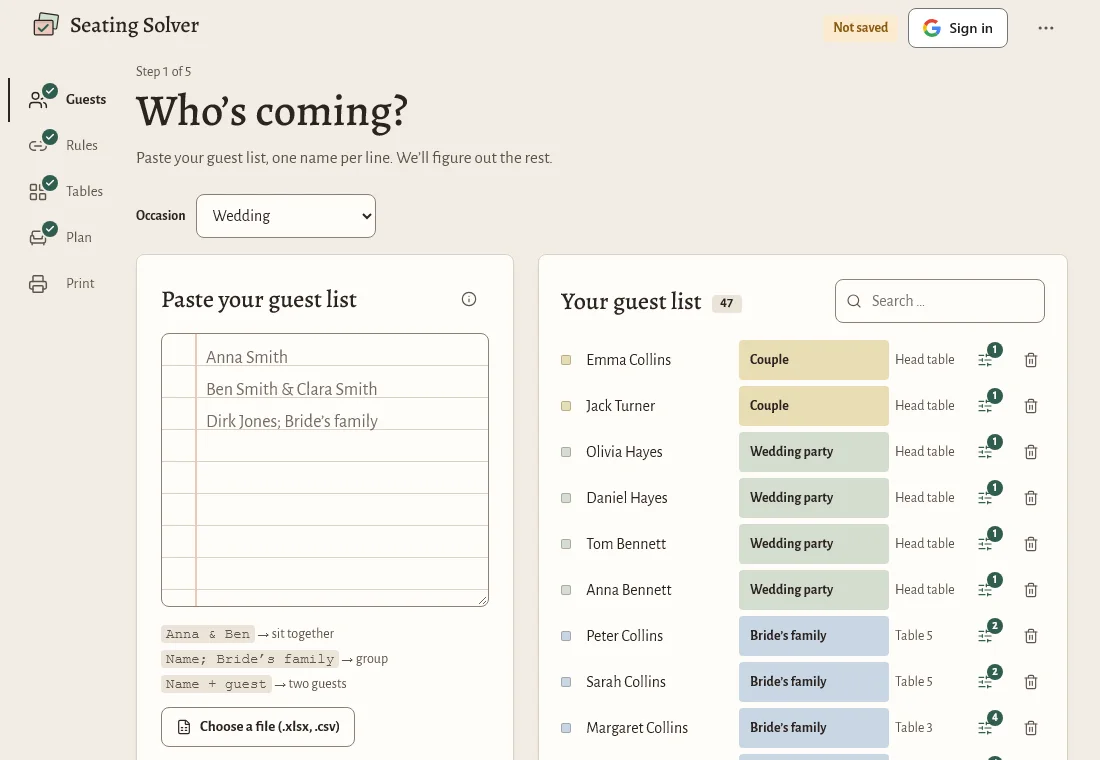
- Add your guests.
Paste names from a list, or import an Excel or CSV file. You match the columns yourself, so your own spreadsheet works as it is.
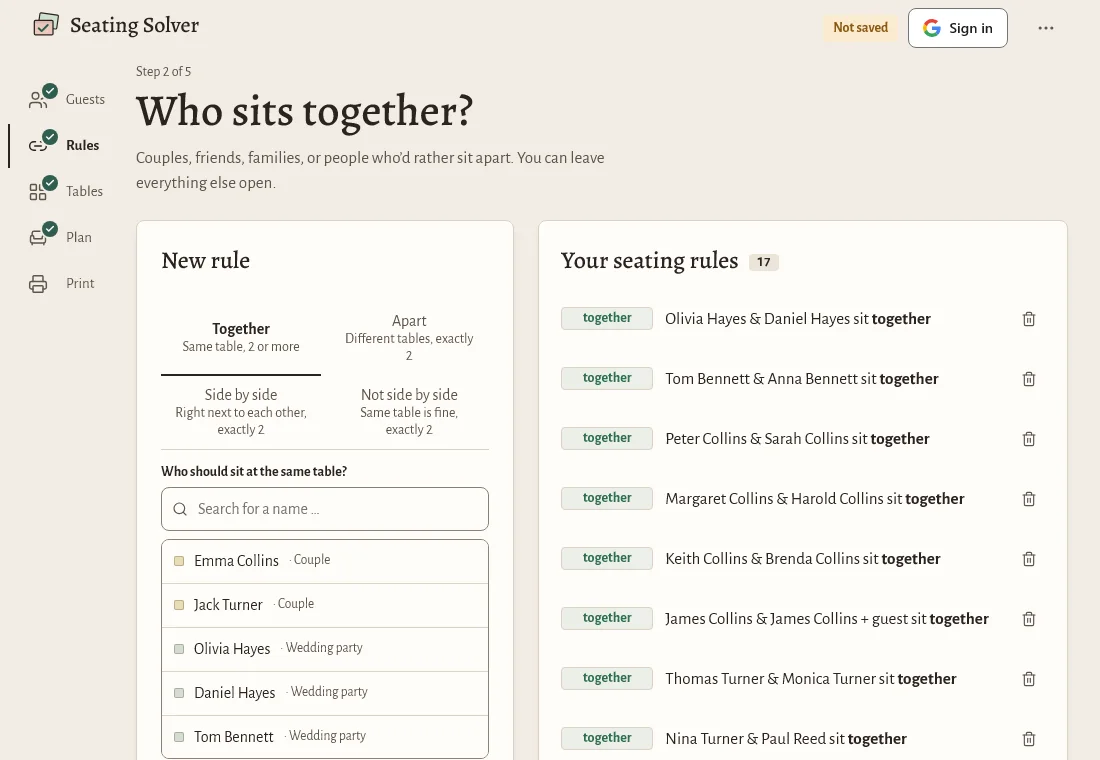
- Set the rules.
Say who must sit together, who should sit apart, and who should be next to each other.
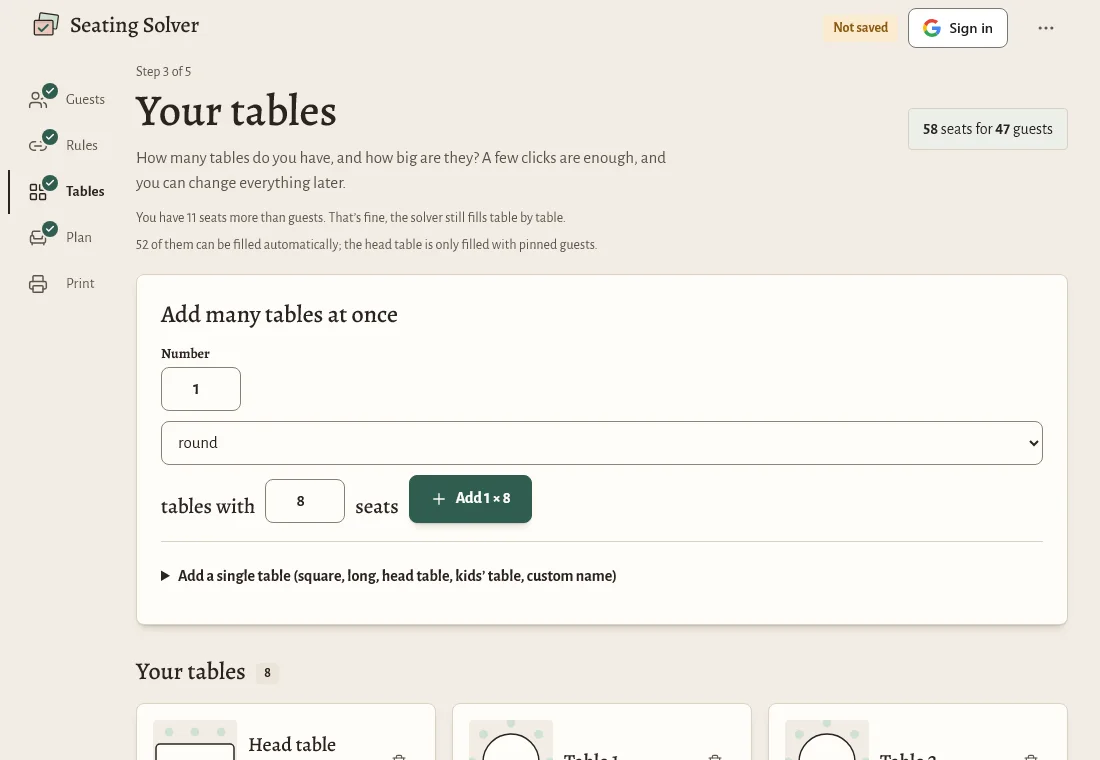
- Draw your room.
Add round tables, long tables or other shapes, and drag them where you want them.
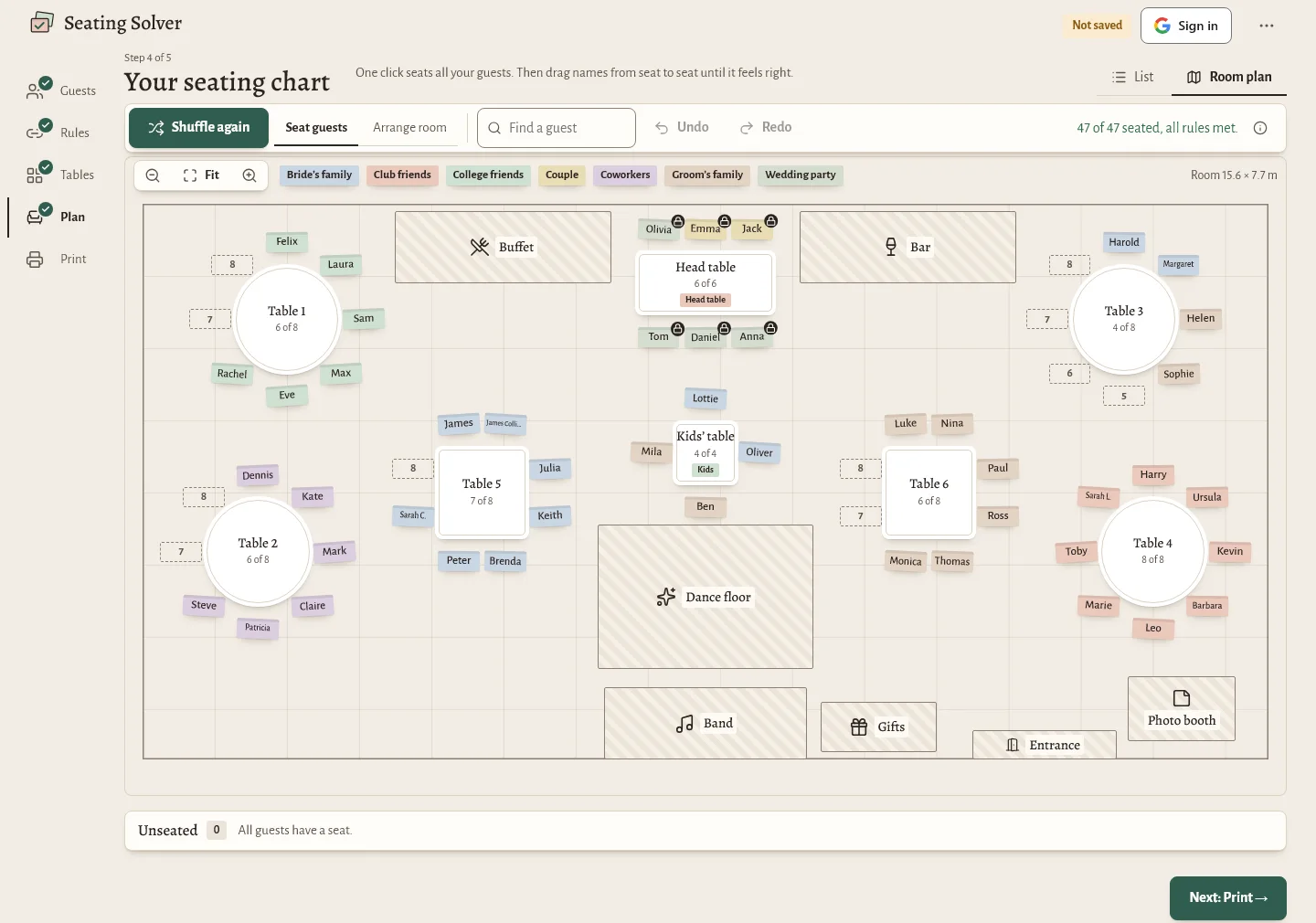
- Seat everyone.
One button places the guests. Then drag anyone to a different seat or table.
- Print it.
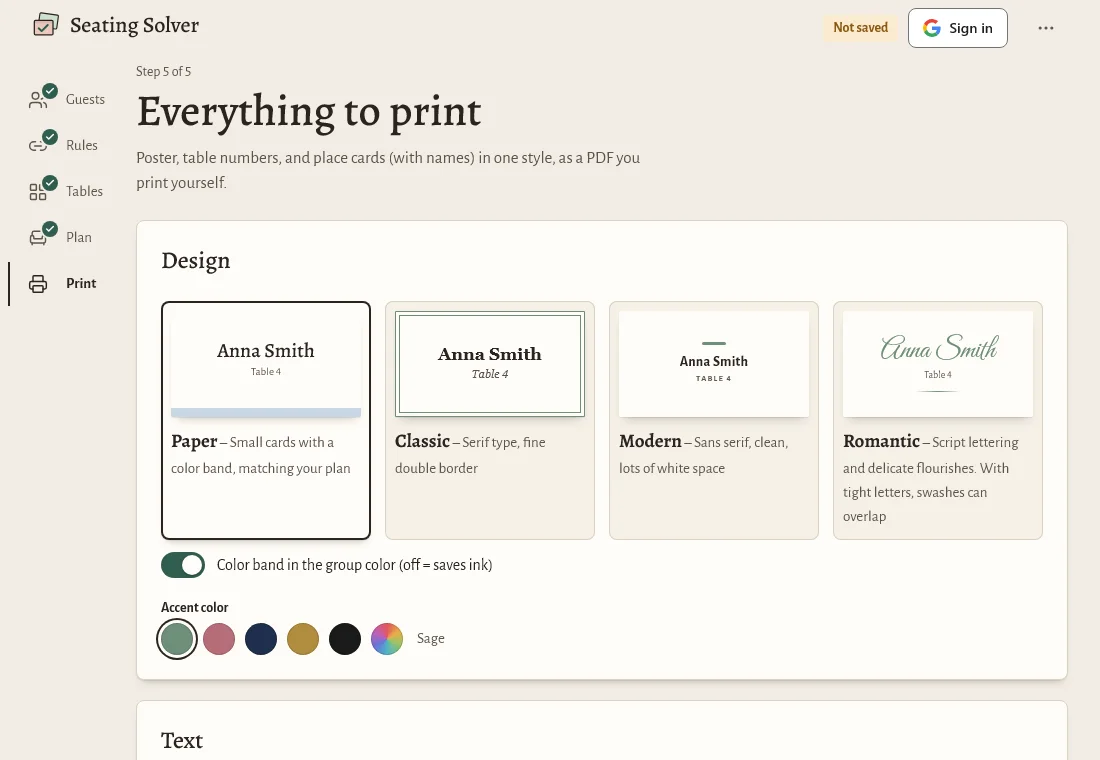
Place cards, table numbers and a poster come from the same plan, so the names and numbers always match.
Rules that fit real families
Every wedding has a few puzzles. Two cousins who are not speaking. A grandmother who needs to be near the entrance. Friends who should share a table.
Together and apart
Keep people at one table, or keep them at different tables.
Next to and not next to
Choose who gets a neighboring seat, and who does not.
Needs
Mark a guest as “near the entrance” or “near the head table”.
Couples, plus-ones and groups
Add them as a unit so they are seated together.
When a rule cannot be met, the planner lists it, so you know where to look. You can also pin a guest to a seat, and the automatic seating will leave that guest where you put them.
Print what you need
Your plan feeds everything on paper.
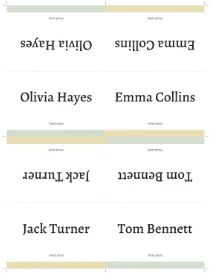
- Place cards: folded tent cards with each guest’s name, in several designs. See printable place cards.
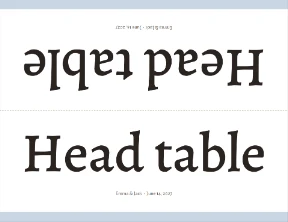
- Table numbers: folded cards you can stand on the table. See wedding table numbers.
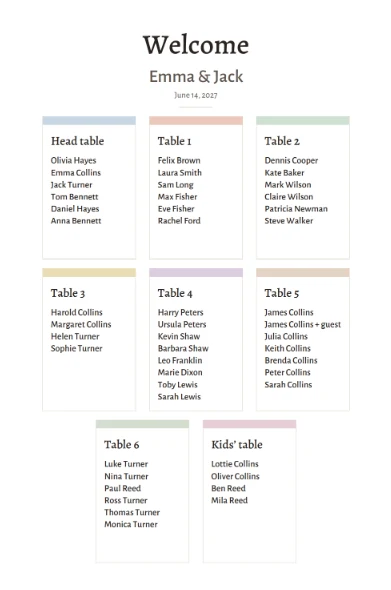
- Seating chart poster: guests listed by table or A to Z, for the entrance. See the seating chart sign.
Choose US Letter or A4 before you print.
Share the chart, help guests find their seat
Turn on a share link to show the plan to your partner, parents or planner. Add a “find your seat” page for guests: they type their name and see their table and who sits there. The link is off until you switch it on. Sharing needs a free Google sign-in, which also saves your plan in the cloud so you can open it on another device.
Your guest list stays with you
Without an account, your guests and plans are stored in your browser on your device. We do not receive them. PDFs are made in your browser too. Read the privacy policy for the details.
Not ready to start yet?
- Fill in a free seating chart template first.
- Read how to make a wedding seating chart step by step.
- Planning in the UK? See the wedding table plan page.
Questions about the seating chart maker
What is a seating chart maker?
A seating chart maker is a tool that helps you decide who sits where at an event. In Seating Solver you add your guest list, set rules such as who sits together, and place guests at tables you arrange on screen.
Is Seating Solver free?
Yes, it is free to use right now. You can plan and print without paying or signing up.
Do I need an account?
No. The planner works without one, and your plan stays in your browser. A free Google sign-in is optional and adds cloud saving and the share link.
Can I import my guest list from Excel?
Yes. Import an Excel or CSV file and match its columns to name, group and so on. You can also paste names straight in.
Does it seat guests automatically?
Yes. It places guests following your rules, and you can then drag anyone to another seat. Guests you pin stay where they are.
Ready to seat your guests?
Start with your guest list. You can change anything later.